
Finding Licensed Hindi and Regional Films and Series
Independent editorial guidance on compatibility, device settings, safety, and responsible use.
If a Pikashow search started with a film recommendation or a clip from a series, use the title to find an authorised viewing option in your country. This independent guide covers Hindi and regional content, including how to match similar titles, confirm which service holds the rights and check for the exact audio or subtitle track your household needs before you sign up.
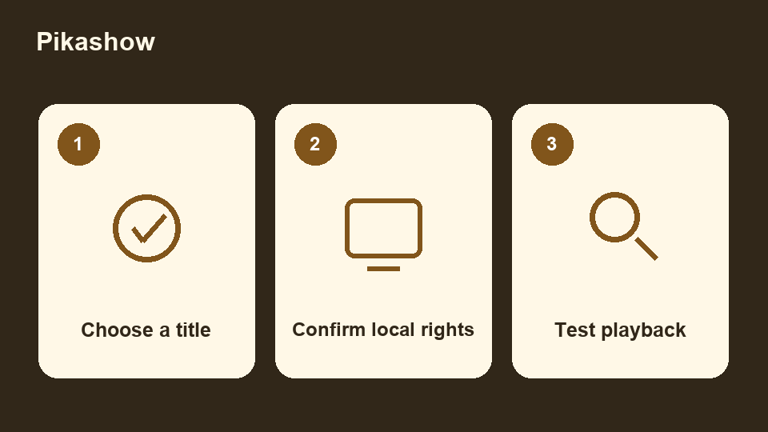
Identify the exact film or series
Start with the original title, release year and one cast member. Add the original language if the film was released under different names. A Hindi dub may use a different title from its Tamil or Telugu original, and search results can mix the two with a remake. Check the production company’s announcement or a distributor’s title page for the cast and original title. For television, write down the season and episode as well.
Say a friend sends you a clip from a Malayalam thriller and gives you only its Hindi title. Ask for the actor’s name or the year, then look for the studio’s trailer or release announcement. Once you have the original title, search for both spellings in the authorised service’s catalogue. Compare the cast, synopsis and year to make sure the catalogue entry is the film you had in mind.
Follow the rights holder to a service in your country
Look for a streaming announcement on the studio, distributor or broadcaster’s verified website. Read the date and country details before following the named platform. A theatrical release notice or a trailer on a video channel may help identify the film, while a streaming announcement that names a provider and territory helps establish where you can watch it. Check the authorised provider’s own catalogue for current access. If the announcement is old or the title is missing, ask the provider through its published support channel.
If you live outside India, say which country you are watching from when you ask. For example, a viewer in Qatar can ask whether a specific Bengali series and its second season are licensed for viewing there. They can then check the answer against the service’s local catalogue. Licensing, release schedules and profile settings can all affect whether a title appears. [Netflix Help Centre on why titles may be missing](https://help.netflix.com/en/node/125344).
Check audio and subtitles separately
Decide which combination you need before choosing a service. For instance, you might want original Kannada audio with English subtitles, or Hindi dubbing for a family member who prefers listening to reading. Search the catalogue’s language filters where offered, then open the exact film or episode. Inspect the audio and subtitle options on the title page or in the player if you already have access.
A Hindi description can accompany a film whose audio is available in another language. Likewise, a dubbed trailer tells you little about which tracks are offered on the full feature in your location. If you are planning a family screening, confirm the options on the device you will use. Also check the specific season or episode if you are partway through a series. Available tracks can vary by title, device and season. [Netflix Help Centre on audio and subtitle availability](https://help.netflix.com/en/node/101798).
Verify the app and review the viewing terms
Reach the service’s app listing from its verified website, then compare the developer name and support details with the store listing. If you came across a Pikashow app result while searching, apply the same publisher check before installing anything. When the publisher cannot be established or the claimed catalogue cannot be tied to a rights holder, return to the studio or distributor’s announcement and use the partner it identifies.
Before committing, read the provider’s own page for the exact title. Check whether the title is included in the access you already have or requires another transaction. If you plan to rent it, read the viewing window shown by the provider. Save the confirmed title page or add it to a watchlist if the service offers one. That gives you a direct way back to the correct film and language edition when you are ready to watch.
Next step